What Are EC2 Instance Types?
An EC2 instance type defines the hardware configuration of a virtual machine running on Amazon Elastic Compute Cloud (EC2).
Each instance type determines:
- The number of virtual CPUs (vCPUs).
- The amount of memory (RAM).
- Network performance.
- Storage options.
- Processor architecture.
In simple terms, when you launch an EC2 instance, choosing an instance type is how you decide how powerful that server will be.
AWS offers a wide variety of instance types so you can match your infrastructure precisely to your application’s needs—without overpaying for unused resources.
Why Instance Types Matter
Choosing the right instance type is critical because it directly affects:
-
Performance
CPU-heavy, memory-heavy, or IO-heavy workloads behave very differently. -
Cost
Larger or specialized instances cost more per hour. -
Scalability
Some workloads scale vertically (bigger instances), others horizontally (more instances). -
Reliability
Right-sizing reduces crashes, throttling, and latency.
Understanding instance types helps you build systems that are:
- Faster
- Cheaper
- More predictable
EC2 Instance Naming Explained
EC2 instance types follow a structured naming convention: family + generation + size
Example: t3.micro
Breakdown:
- t → instance family
- 3 → generation
- micro → size within the family
This naming pattern applies consistently across most EC2 offerings.
Instance Families Overview
AWS groups EC2 instances into families based on workload characteristics.
General Purpose Instances
Examples: t, m
General purpose instances balance:
- CPU
- Memory
- Networking
They are ideal for:
- Web servers
- Small to medium databases
- Development and testing
- Application servers
Popular options:
t3,t4g(burstable performance)m6,m7(steady performance)
These are often the default choice when you’re unsure where to start.
Compute Optimized Instances
Examples: c
Designed for workloads that need high CPU performance.
Best for:
- High-performance APIs
- Batch processing
- Media transcoding
- Scientific modeling
Characteristics:
- Higher vCPU-to-memory ratio.
- Strong single-thread and multi-thread performance.
If your app is CPU-bound, this family is a strong fit.
Memory Optimized Instances
Examples: r, x
Built for workloads that require large amounts of RAM.
Ideal for:
- In-memory databases (Redis, Memcached).
- Large relational databases.
- Real-time analytics.
- Caching layers.
These instances help avoid disk I/O bottlenecks by keeping more data in memory.
Storage Optimized Instances
Examples: i, d
Optimized for high disk throughput and low latency.
Best suited for:
- NoSQL databases.
- Search engines.
- Data warehousing.
- Log processing.
Key features:
- Fast local storage.
- High IOPS.
- Consistent disk performance.
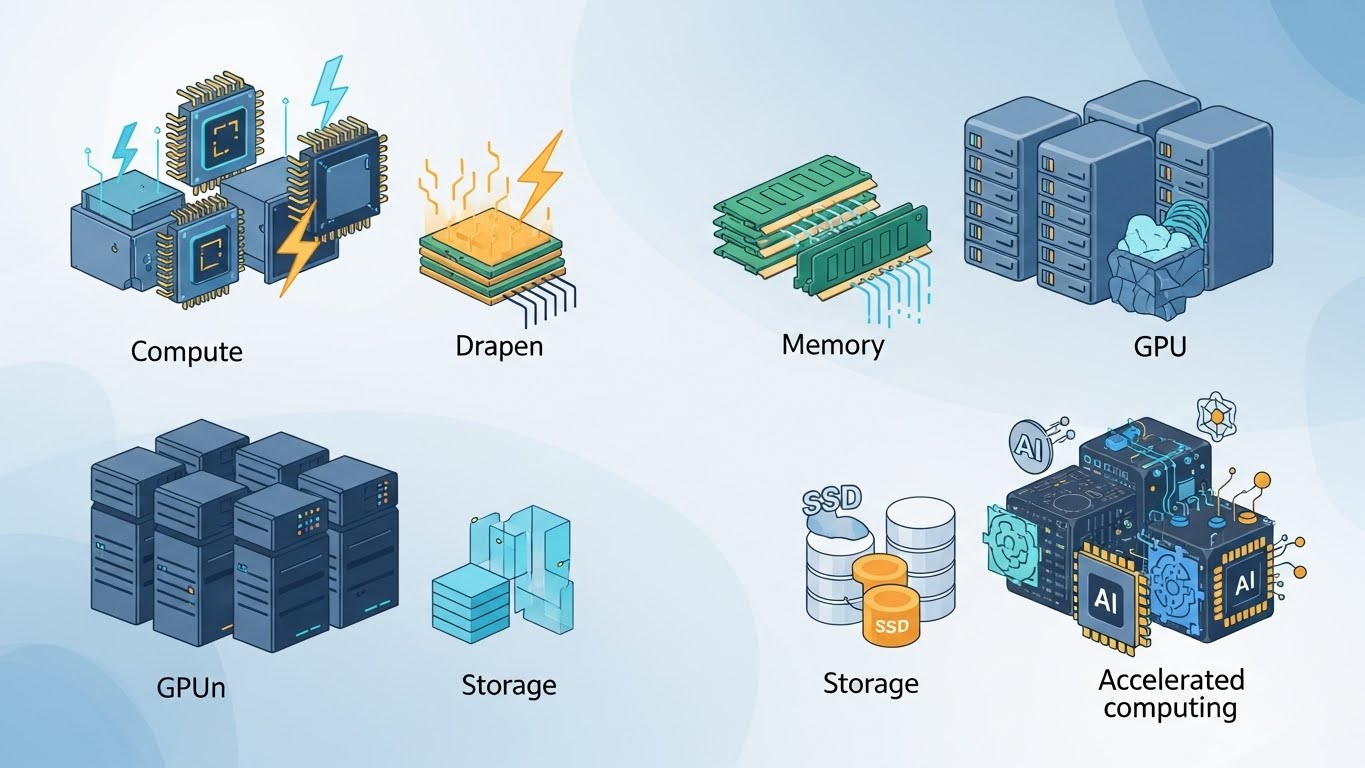
Accelerated Computing Instances
Examples: p, g, inf
These instances include specialized hardware such as:
- GPUs
- AI accelerators
Used for:
- Machine learning training and inference.
- Graphics rendering.
- Video encoding.
- Scientific simulations.
They are powerful but significantly more expensive than standard instances.
Instance Sizes Explained
Within each family, instance sizes scale up predictably:
nano → micro → small → medium → large → xlarge → 2xlarge → 4xlarge → …
As size increases:
- vCPUs increase.
- Memory increases.
- Network performance improves.
- Cost increases.
Example comparison:
t3.micro→ lightweight workloads.t3.large→ higher traffic, more concurrency.
Choosing the smallest size that meets your needs is a best practice.
Burstable Performance (T Family)
The T family (t3, t4g) uses a burst model:
- Earns CPU credits when idle.
- Spends credits during traffic spikes.
This makes them ideal for:
- Low to moderate traffic apps.
- Dev/test environments.
- APIs with unpredictable usage.
However, sustained high CPU usage can exhaust credits and reduce performance—so they’re not ideal for constant heavy workloads.
Architecture Options
Many EC2 instance types support different CPU architectures:
- x86_64 (Intel / AMD)
- ARM64 (AWS Graviton)
Graviton-based instances (e.g., t4g, m7g) offer:
- Better price-to-performance.
- Lower cost for many workloads.
They require your application to be compatible with ARM, which most modern software is.
How to Choose the Right Instance Type
Ask yourself these questions:
- Is my workload CPU-bound, memory-bound, or IO-bound?
- Is usage steady or bursty?
- Do I need specialized hardware (GPU)?
- Is cost optimization a priority?
- Can my app run on ARM?
Start small, monitor performance using CloudWatch, and adjust as needed.
Final Thoughts
EC2 instance types give you fine-grained control over your compute resources. While the variety can feel overwhelming at first, understanding the core families and sizing model makes choosing the right instance much easier.
In future articles, we’ll explore:
- EC2 pricing models (On-Demand, Reserved, Spot).
- Auto Scaling Groups and instance selection.
- Performance tuning and cost optimization.
Mastering EC2 instance types is a foundational skill for anyone working seriously with AWS infrastructure.