What Is Kubernetes?
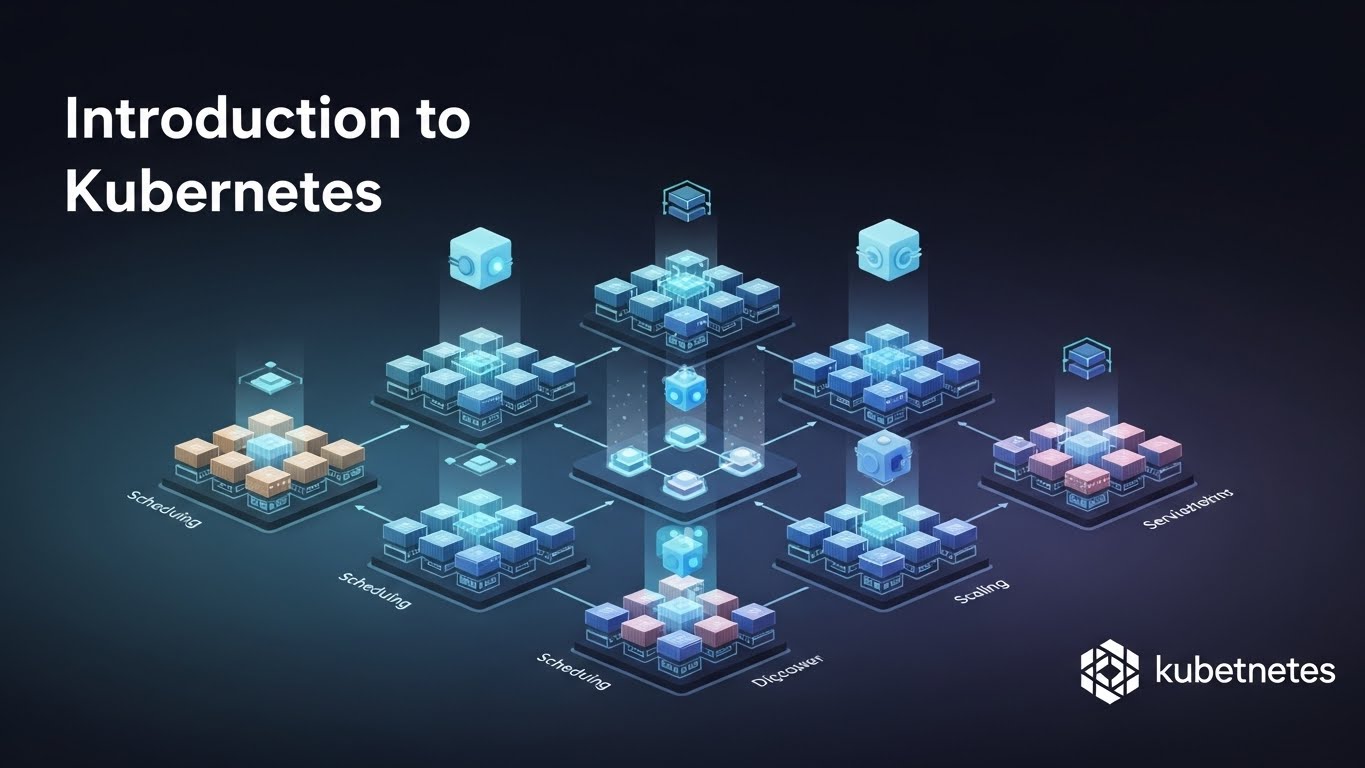
Kubernetes (often abbreviated as K8s) is an open-source container orchestration platform used to deploy, scale, and manage containerized applications.
Originally developed by Google and now maintained by the Cloud Native Computing Foundation (CNCF), Kubernetes automates many of the operational tasks involved in running containers in production—tasks that become increasingly complex as applications grow.
With Kubernetes, you can:
- Run containers reliably across multiple machines.
- Automatically scale applications up or down.
- Heal applications when containers or nodes fail.
- Roll out updates with minimal downtime.
Kubernetes has become the de facto standard for building and operating cloud-native applications.
Why Kubernetes Exists
Containers solve the problem of packaging applications, but they don’t solve orchestration.
Once you have many containers running across many machines, you must handle:
- Scheduling containers on available nodes.
- Restarting failed containers.
- Scaling workloads based on traffic.
- Networking between services.
- Configuration and secret management.
- Zero-downtime deployments.
Kubernetes was created to handle all of this automatically and consistently, regardless of where your infrastructure runs—on-premises, in the cloud, or in hybrid environments.
High-Level Kubernetes Architecture
At a high level, Kubernetes follows a control plane + worker nodes architecture.
Control Plane
The control plane manages the cluster and makes global decisions.
Key components include:
-
API Server
The front door to the cluster. All commands (kubectl) and automation communicate through the API server. -
Scheduler
Decides which node a pod should run on based on resource availability and constraints. -
Controller Manager
Ensures the cluster’s actual state matches the desired state (e.g., restarting failed pods). -
etcd
A distributed key-value store that holds the cluster’s configuration and state.
You typically don’t interact with these components directly.
Worker Nodes
Worker nodes are where your applications actually run.
Each node includes:
- A container runtime (e.g., containerd).
- kubelet, which communicates with the control plane.
- kube-proxy, which handles networking rules.
Nodes execute workloads as instructed by the control plane.
Core Kubernetes Concepts
Understanding Kubernetes starts with a few core objects.
Pod
A pod is the smallest deployable unit in Kubernetes.
- It can contain one or more containers.
- Containers in the same pod share:
- Networking (IP address and ports).
- Storage volumes.
Pods are ephemeral:
- They can be created and destroyed frequently.
- You don’t manage pods directly in production.
Deployment
A deployment manages a set of identical pods.
It allows you to:
- Define the desired number of replicas.
- Perform rolling updates.
- Roll back to previous versions.
If a pod crashes, the deployment ensures a replacement is created automatically.
Deployments are the most common way to run stateless applications.
Service
A service provides a stable network endpoint for a group of pods.
Because pod IPs change, services:
- Load balance traffic across pods.
- Expose applications internally or externally.
Common service types:
ClusterIP(internal access).NodePort(exposes via node ports).LoadBalancer(cloud provider integration).
Namespace
Namespaces are logical partitions within a cluster.
They help with:
- Organizing resources.
- Isolating environments (dev, staging, prod).
- Applying access control and quotas.
Namespaces are especially useful in multi-team clusters.
Desired State and Self-Healing
Kubernetes operates on the concept of desired state.
You declare:
- What you want to run.
- How many replicas.
- How it should behave.
Kubernetes continuously works to ensure the actual state matches that desired state.
If something fails:
- Pods are restarted.
- Nodes are replaced.
- Traffic is rerouted automatically.
This self-healing behavior is one of Kubernetes’ most powerful features.
Scaling in Kubernetes
Kubernetes supports multiple types of scaling:
-
Manual scaling
Adjust the replica count yourself. -
Horizontal Pod Autoscaler (HPA)
Automatically scales pods based on metrics like CPU or memory usage. -
Cluster autoscaling
Adds or removes nodes as needed (in cloud environments).
This makes Kubernetes well-suited for workloads with variable traffic patterns.
Kubernetes vs Docker
A common misconception is that Kubernetes replaces Docker.
In reality:
- Docker packages and runs containers.
- Kubernetes orchestrates and manages containers at scale.
They solve different problems and are often used together.
When Should You Use Kubernetes?
Kubernetes is a strong choice if:
- You run multiple containerized services.
- You need high availability and scalability.
- You want portable workloads across environments.
- You are building microservices or cloud-native systems.
For very small projects, Kubernetes may be overkill—but for growing systems, it provides long-term stability and flexibility.
Final Thoughts
Kubernetes introduces a learning curve, but it solves real operational challenges that appear as systems scale. By understanding its core concepts—pods, deployments, services, and desired state—you build a solid foundation for running modern applications in production.
In future articles, we’ll explore:
- Writing your first Kubernetes manifests.
- Deployments and rolling updates in depth.
- Networking and ingress.
- Kubernetes vs managed services like EKS, GKE, and AKS.
Kubernetes is not just a tool—it’s an ecosystem and a mindset for operating software reliably at scale.