What Is SSH?
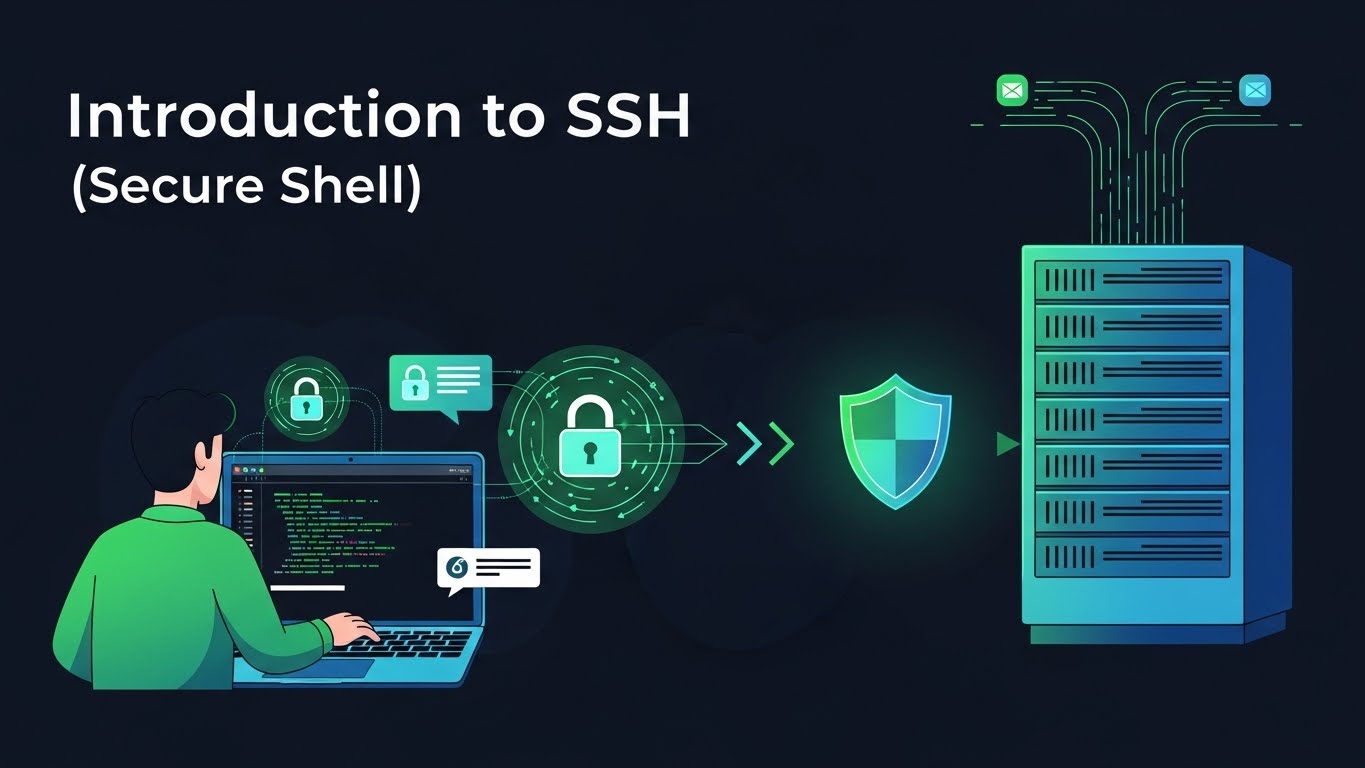
SSH—short for Secure Shell—is a cryptographic network protocol that lets you securely connect to and control another computer over an untrusted network (like the internet).
In everyday work, SSH is what you use to:
- Log into a Linux server from your laptop.
- Administer cloud instances (e.g., AWS EC2, DigitalOcean, Linode).
- Securely copy files between machines.
- Tunnel traffic to access internal services.
SSH replaces older, insecure tools like Telnet, rlogin, and rsh, which send data—including passwords—in plain text. With SSH, everything is encrypted, so attackers who intercept your traffic can’t simply read your commands or steal your credentials.
Why SSH Is So Important
SSH is foundational in modern DevOps, cloud, and security for several reasons:
-
Security:
All traffic is encrypted, protecting:- Your credentials.
- Commands and outputs.
- Files you transfer.
-
Remote control:
You can administer servers anywhere in the world:- Manage services.
- Edit config files.
- Inspect logs and processes.
-
Automation:
SSH underpins:- Remote scripts.
- CI/CD deployments.
- Secure file transfers with
scpandrsync.
-
Ubiquity:
It’s available almost everywhere:- Preinstalled on Linux and macOS.
- Built into modern Windows (OpenSSH).
- Supported by tools like PuTTY, VS Code Remote SSH, and many more.
If you work with servers—even occasionally—SSH is non‑negotiable knowledge.
How SSH Works (High-Level)
SSH uses a client-server model and strong cryptography to protect your connection.
Client and Server
-
SSH client
The program you run locally to connect:ssh(OpenSSH) on Linux/macOS.- OpenSSH on Windows.
- GUI tools like PuTTY.
-
SSH server (
sshd)
The daemon running on the remote machine:- Listens on a TCP port (default: 22).
- Handles incoming connections.
- Authenticates users and starts sessions.
The basic flow:
- You run: ssh user@server_ip
text
2. The client connects to server_ip on port 22.
3. Client and server negotiate encryption algorithms.
4. They perform a key exchange and build an encrypted channel.
5. You authenticate (password or SSH key).
6. You get a secure shell session or execute a specific command.
The SSH Handshake (Simplified)
Under the hood, SSH does several things quickly:
- Algorithm negotiation
Client and server agree on:
- Key exchange algorithm.
- Encryption cipher.
- MAC (integrity) algorithm.
- Key exchange
They derive a shared session key (using methods like Diffie-Hellman or Curve25519) so:
- The network can’t see the key.
- All later traffic is encrypted with this session key.
- Server identity check
The server proves it owns a host key:
- On first connect, you see a fingerprint prompt.
- Once accepted, the host key is stored in
~/.ssh/known_hosts. - Future connections verify that you’re talking to the same server, helping to prevent man‑in‑the‑middle attacks.
- Client authentication
After the encrypted channel is set up, the server verifies who you are:
- Via a password, or
- Via public/private key (recommended).
- Session creation
SSH then:
- Gives you an interactive shell, or
- Runs a one‑off command, or
- Sets up port forwarding/tunnels.
Authentication Methods
SSH supports multiple authentication methods, but two are most common.
Password Authentication
This is the simplest model:
- You run: ssh user@server_ip
text 2. The server asks for the user’s password. 3. You enter the password; if it matches, you’re in.
Pros:
- Easy to understand.
- No initial key setup.
Cons:
- Easier to brute-force (bots constantly try common passwords).
- Harder to scale and rotate securely.
- Not ideal for automation (needs interaction unless you do insecure hacks).
For production systems, relying only on passwords is considered weak.
Key-Based Authentication (Preferred)
Key-based auth uses a key pair:
- Private key:
- Stays on your local machine.
- Must be kept secret and protected with a passphrase.
- Public key:
- Stored on the server in
~/.ssh/authorized_keys. - Safe to share.
Authentication flow:
- The server checks whether your public key is in
authorized_keys. - If yes, it sends a challenge.
- Your client proves it has the matching private key by signing data.
- The server verifies the signature and logs you in—no password over the wire.
Pros:
- Stronger security than passwords.
- Private key never leaves your machine.
- Excellent for automation (non‑interactive logins).
- Easy to revoke access by removing the public key.
Cons:
- Requires initial setup.
- You must manage and protect the private key file.
In practice, serious setups standardize on key‑based authentication and often fully disable password logins.